Rate Limiting and Job Orchestration at Scale
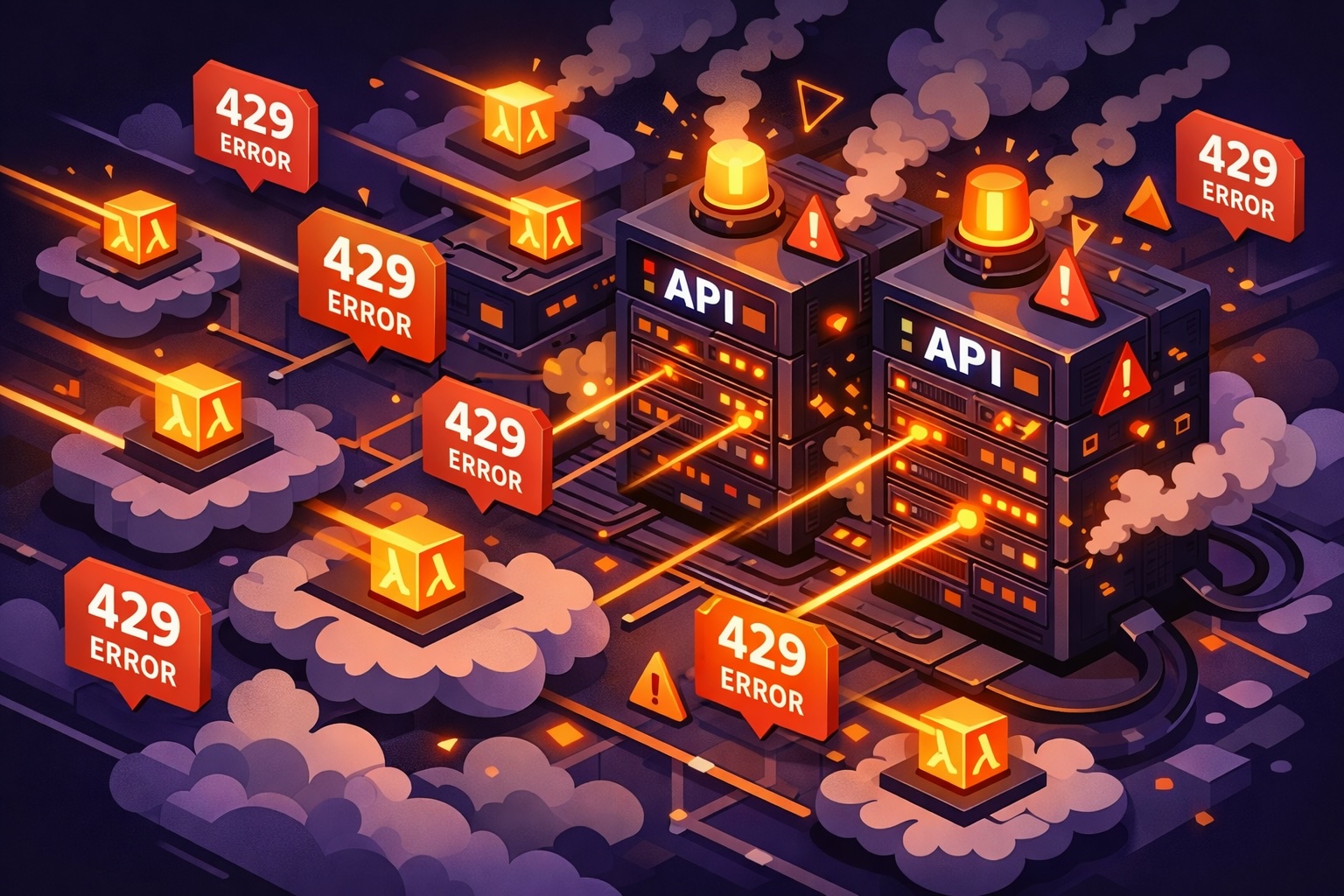
429 isn’t an error. It’s a bill.
Every retry burns tokens you already paid for. Every exponential backoff multiplies your Lambda costs. When we hit 95% rejection rates on our first bulk run, we weren’t just failing — we were paying to fail.
If you’re orchestrating AI agents at scale, steal this pattern. It took us months to get right.
The Problem
At Winrate, we run AI research agents that gather company information. Each job calls multiple rate-limited APIs — LLM providers, web search, enrichment services. Running on AWS Lambda with SQS triggers, we had dozens of concurrent workers.
The naive approach:
async function processJob(job: Job) {
  const research = await llmClient.chat({ ... }) // Hope we don't hit 429!
  const search = await searchApi.query({ ... }) // Hope we don't hit 429!
}
The result: 429 errors everywhere, cascading retries, and wasted API spend. We needed coordination without single points of failure.
The Solution: Three Layers
- Scheduling Layer: The dispatcher checks rate limit capacity before dispatching jobs
- Execution Layer: Workers acquire tokens atomically before each API call
- Retry Layer: Failed jobs return to the queue with backoff
Each layer has a single responsibility. Let’s build them.
Part 1: Distributed Rate Limiting with Redis
We use the token bucket algorithm because it handles both sustained load and burst capacity. Tokens refill at a constant rate, and accumulated tokens allow temporary spikes.
For LLM APIs, we need two buckets per provider:
- RPM bucket — Requests per minute
- TPM bucket — Tokens per minute (prevents burning quota with large prompts)
The Redis Challenge: Atomicity
The naive implementation has a fatal flaw:
async function tryConsume(tokens: number): Promise<boolean> {
  const available = await redis.get('bucket:tokens')
  if (available >= tokens) {
    await redis.set('bucket:tokens', available - tokens)
    return true
  }
  return false
}
Between the get and set, another Lambda can read the same value. Both think they have capacity. With many concurrent workers, this guarantees over-consumption.
Redis transactions (MULTI/EXEC) don’t help — they batch commands but aren’t truly atomic for conditional logic. We need Lua scripting.
Atomic Token Bucket with Lua
Redis executes Lua scripts atomically on a single thread. Here’s our consume script:
-- Token Bucket Consume Script
-- Atomic operation to consume tokens from a bucket with continuous refill
--
-- ATOMICITY: Redis executes Lua scripts atomically - no other commands can run
-- between HMGET and HMSET. The entire script runs as a single operation,
-- preventing race conditions between concurrent requests.
--
-- KEYS[1] = rate-limit:{service}:{rpm|tpm}
-- ARGV[1] = tokens to consume
-- ARGV[2] = bucket capacity
-- ARGV[3] = refill rate (tokens per second)
-- ARGV[4] = current timestamp (ms)
-- ARGV[5] = multiplier (for adaptive throttling, default 1)
-- ARGV[6] = TTL in seconds (for key expiration)
--
-- Returns: [success (-1=error|0=denied|1=success), tokensRemaining, retryAfterMs]

local key = KEYS[1]
local tokensToConsume = tonumber(ARGV[1])
local capacity = tonumber(ARGV[2])
local refillRate = tonumber(ARGV[3])
local now = tonumber(ARGV[4])
local multiplier = tonumber(ARGV[5]) or 1
local ttlSeconds = tonumber(ARGV[6]) or 3600

local MS_PER_SECOND = 1000

if not tokensToConsume or tokensToConsume < 0 or tokensToConsume ~= tokensToConsume then
  return {-1, 0, 0}
end
if not capacity or capacity < 0 or not refillRate or refillRate < 0 then
  return {-1, 0, 0}
end
if not now or not ttlSeconds or ttlSeconds <= 0 then
  return {-1, 0, 0}
end

-- Atomic read: get current bucket state
local state = redis.call('HMGET', key, 'tokens', 'last_refill')
local currentTokens = tonumber(state[1]) or capacity
local lastRefill = tonumber(state[2]) or now

-- Calculate tokens to add based on elapsed time (continuous refill)
local elapsedMs = now - lastRefill
local tokensToAdd = (elapsedMs * refillRate) / MS_PER_SECOND
local newTokens = math.min(capacity, currentTokens + tokensToAdd)

-- Apply multiplier for burst allowance
local effectiveCapacity = capacity * multiplier
local adjustedTokens = math.min(effectiveCapacity, newTokens)

if adjustedTokens >= tokensToConsume then
  -- Success: consume tokens
  local remaining = adjustedTokens - tokensToConsume
  -- Atomic write: update bucket state
  redis.call('HMSET', key, 'tokens', remaining, 'last_refill', now)
  redis.call('EXPIRE', key, ttlSeconds)
  return {1, remaining, 0}
else
  -- Denied: insufficient tokens, calculate retry delay
  local tokensNeeded = tokensToConsume - adjustedTokens
  local retryAfterMs = math.ceil((tokensNeeded / refillRate) * MS_PER_SECOND)
  -- Still update last_refill to account for refilled tokens
  redis.call('HMSET', key, 'tokens', adjustedTokens, 'last_refill', now)
  redis.call('EXPIRE', key, ttlSeconds)
  return {0, adjustedTokens, retryAfterMs}
end
The key insight: the entire script executes as a single operation. No race conditions between concurrent requests.
We also have a peek script for read-only capacity checks (used by the dispatcher) and an adjust script for post-call corrections when actual token usage differs from estimates.
Fail-Open: A Critical Design Decision
What happens when Redis goes down?
export class TokenBucket {
  private circuitBreakerFailures = 0

  async tryConsume(rpmCost: number, tpmCost: number): Promise<ConsumeResult> {
    if (this.isCircuitOpen()) {
      return { success: true, failedOpen: true }
    }

    try {
      const result = await this.redis.eval(this.consumeScript, ...)
      this.resetCircuitBreaker()
      return JSON.parse(result)
    } catch (error) {
      this.recordCircuitBreakerFailure()
      return { success: true, failedOpen: true }
    }
  }
}
We fail-open when Redis is unavailable. This feels counterintuitive, but:
- Rate limiting is optimization, not authorization — it protects external APIs from us, not our users from unauthorized access
- External APIs have their own limits — if we over-call, we’ll get 429s anyway
- Jobs shouldn’t hang — Redis hiccups would instantly halt all processing
The alternative — failing closed — means Redis outages cascade into complete system failure.
Retry and Requeue
When a worker hits a rate limit, it retries 3 times with backoff within the same Lambda execution. If still rate limited, it re-queues the job to SQS with a delay:
const delaySeconds = Math.min(
  Math.ceil(error.retryAfterMs / 1000),
  SQS_MAX_DELAY_SECONDS  // 900 seconds - AWS hard limit
);

await sqs.send(new SendMessageCommand({
  QueueUrl: process.env.QUEUE_URL,
  MessageBody: JSON.stringify({
    jobType: 'account-research',
    payload: { ...payload, requeue_attempts: currentAttempts + 1 },
  }),
  DelaySeconds: delaySeconds,
}));
This can happen up to 500 times before the job finally fails. That’s theoretically ~125 hours of retry capacity. The requeue overhead is exactly why we needed better orchestration — which leads us to the dispatcher.
Part 2: Backpressure-Aware Job Dispatching
Rate limiting prevents us from over-calling APIs once jobs are running. But we have another problem: job dispatch itself.
The Problem: Queue Flooding
With SQS triggering Lambda directly:
new SqsEventSource(queue, {
  batchSize: 10,
  maxConcurrency: 50,
})
When 1,000 jobs land in the queue, Lambda immediately spins up dozens of containers. All hit the rate limiter simultaneously. Most get rejected, retry with backoff, and the system thrashes.
What we need is backpressure: don’t dispatch jobs faster than we can process them.
The Dispatcher Pattern
Instead of letting SQS trigger Lambda directly, we introduce a dispatcher Lambda that runs on a schedule:
Job Status State Machine
The key insight is adding a DISPATCHED intermediate status:
This separation enables:
- Stuck job recovery — if a job stays DISPATCHED > 5 minutes, revert to QUEUED
- Accurate capacity calculation — we know exactly how many jobs are in-flight
- Frontend simplicity — map DISPATCHED → QUEUED in API responses
Atomic Job Claiming with PostgreSQL
Multiple dispatcher instances could race to claim the same jobs. We prevent this with FOR UPDATE SKIP LOCKED:
async function claimQueuedJobs(limit: number): Promise<Job[]> {
  const result = await db.query(`
    UPDATE research_jobs
    SET job_status = 'DISPATCHED', modified_at = NOW()
    WHERE id IN (
      SELECT id
      FROM research_jobs
      WHERE job_status = 'QUEUED'
      ORDER BY queued_at
      FOR UPDATE SKIP LOCKED
      LIMIT $1
    )
    RETURNING *
  `, [limit])

  return result.rows
}
FOR UPDATE locks selected rows. SKIP LOCKED skips rows locked by other transactions instead of waiting. Contention-free claiming.
Singleton Dispatcher
We run exactly one dispatcher at a time using Lambda reserved concurrency:
const dispatcherLambda = new Function(this, 'JobDispatcher', {
  reservedConcurrentExecutions: 1,
  timeout: Duration.seconds(60),
})

new Rule(this, 'DispatcherSchedule', {
  schedule: Schedule.rate(Duration.minutes(1)),
  targets: [new LambdaFunction(dispatcherLambda)],
})
One dispatcher per minute is sufficient for our throughput needs and eliminates complexity.
The Retry Problem
Before the dispatcher, our dev environment showed the real cost of uncoordinated retries:
| Date | Jobs | Lambda Invocations | Invocations/Job |
|---|---|---|---|
| Dec 4 (before) | 145 | 5,571 | 38.4 |
| Dec 11 (before) | 69 | 1,909 | 27.7 |
| Dec 15 (before) | 417 | 11,784 | 28.3 |
| Dec 16 (after) | 15,110 | 17,114 | 1.1 |
Before dispatcher: 27-38 Lambda invocations per job. Each job was retrying dozens of times, burning compute while waiting for rate limits to reset.
After dispatcher: 1.1 invocations per job. A 96% reduction in wasted Lambda invocations.
Lessons Learned
After weeks of building and debugging this system:
-
Lua scripts are essential for Redis atomicity.
MULTI/EXECisn’t enough when you need conditional logic. -
Fail-open for rate limiting, fail-closed for auth. Know the difference between “this protects us” and “this protects our users.”
-
Intermediate job states enable recovery. The DISPATCHED status seems like overhead until you need to recover stuck jobs at 3 AM.
-
Database locks scale better than distributed locks.
FOR UPDATE SKIP LOCKEDin PostgreSQL is simpler and more reliable than distributed locking with Redis. -
Test at scale early. Our 200-job tests looked perfect. The 10,000-job test revealed the real behavior.

Building production-grade AI agent infrastructure is an exercise in distributed systems fundamentals: atomicity, backpressure, and graceful degradation. These patterns apply to any system coordinating multiple workers against rate-limited APIs.
If you’re building something similar and want to chat, find me on LinkedIn.